
IT Maintenance Contracts in KSA: What Should Be Included (Checklist)
Quick answer
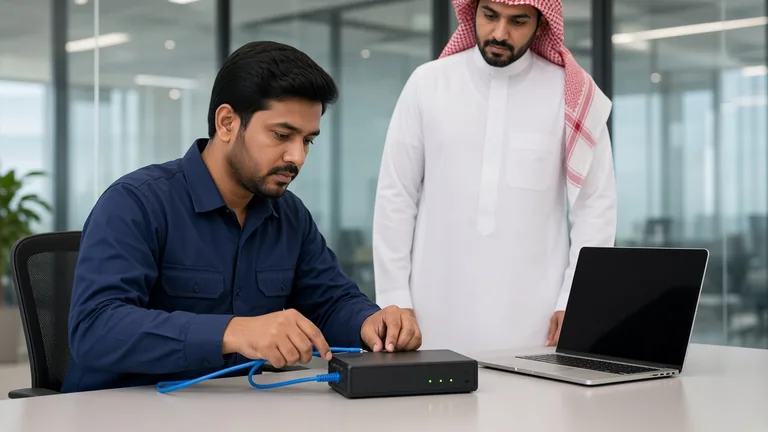
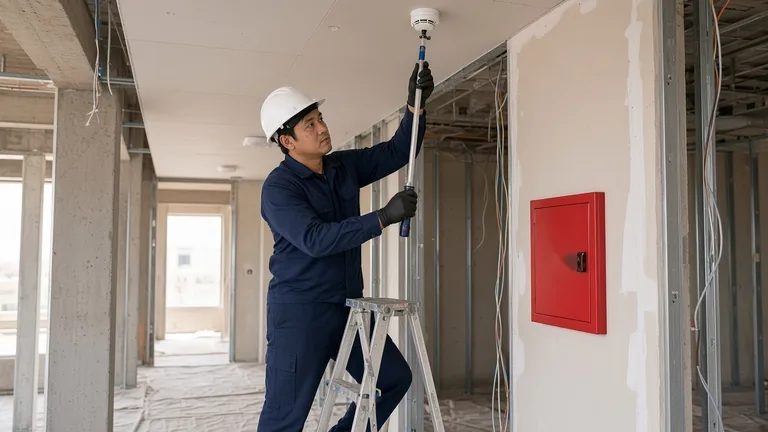
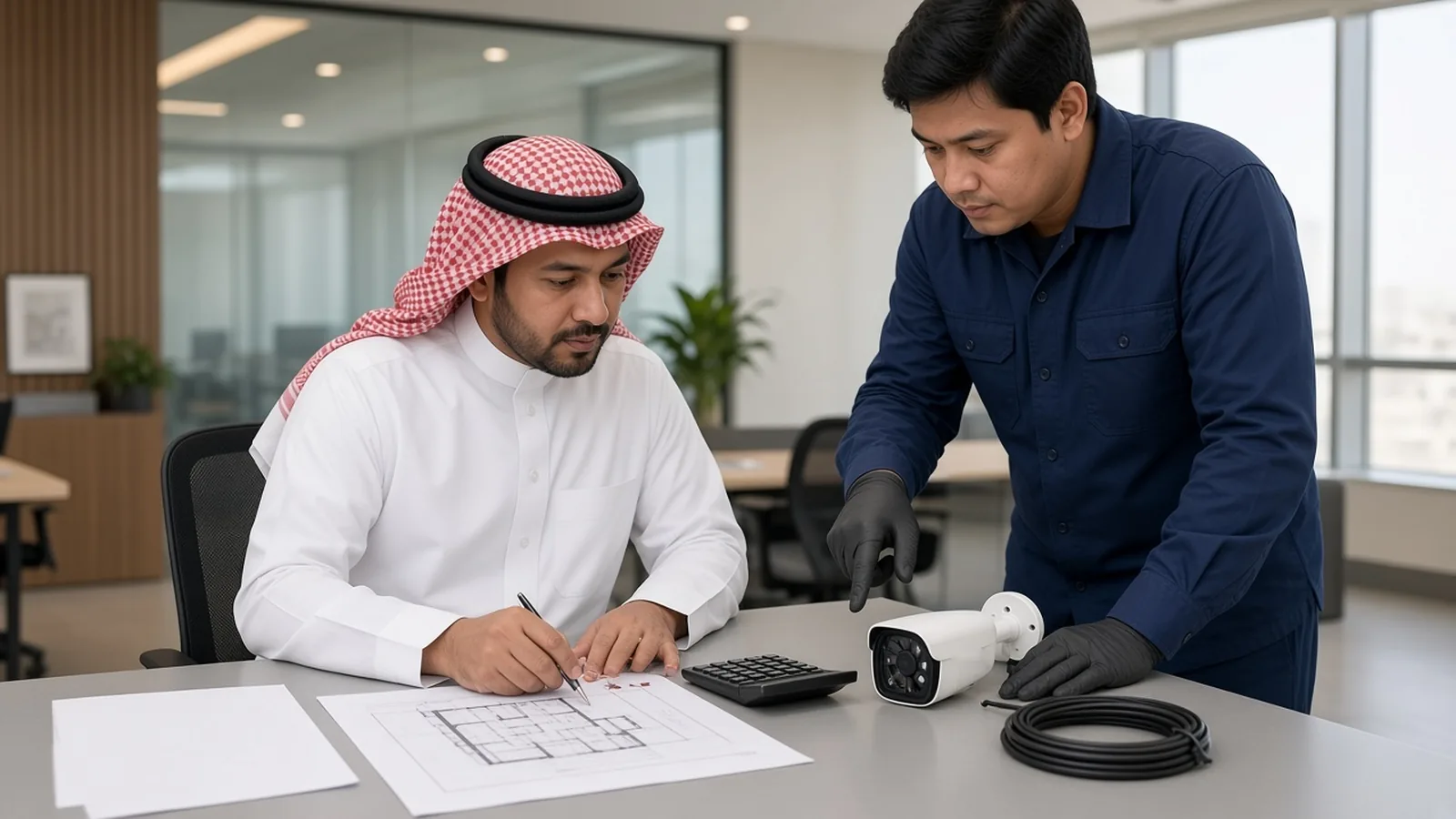
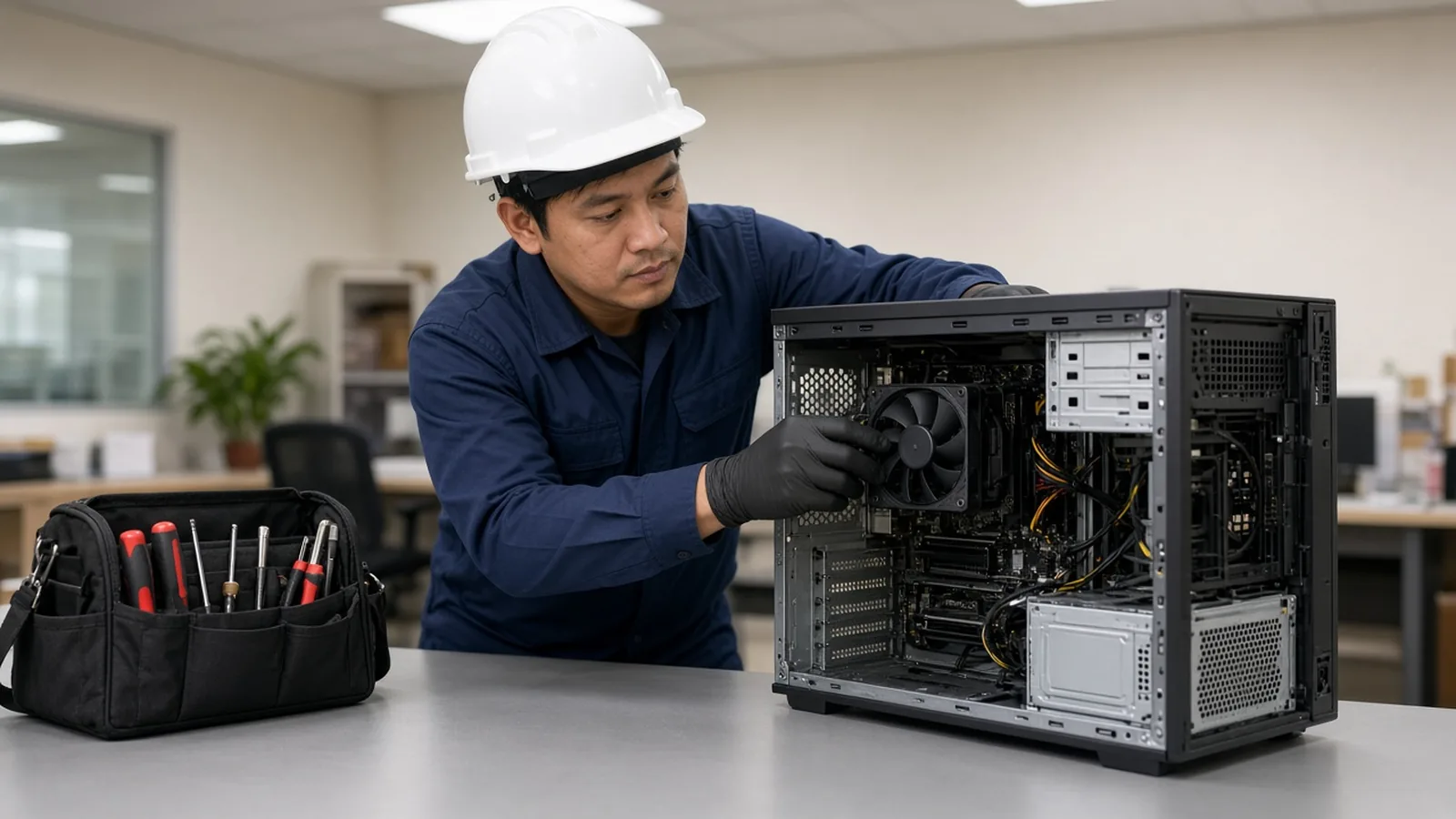
A good IT maintenance contract (often called an AMC – annual maintenance contract) clearly lists the equipment and systems covered, the preventive maintenance schedule, how support requests are raised, response and resolution targets, remote and on-site support hours, what is included versus charged extra (parts, licences, new projects), security tasks such as patching and backup checks, and the reports you will receive. The price depends on the number of users and devices, the systems covered (network, servers, CCTV, access control, fire alarm, phones), the response times you need, and the locations. Before signing, compare contracts on scope and service levels, not just the annual fee.
Why businesses use IT maintenance contracts
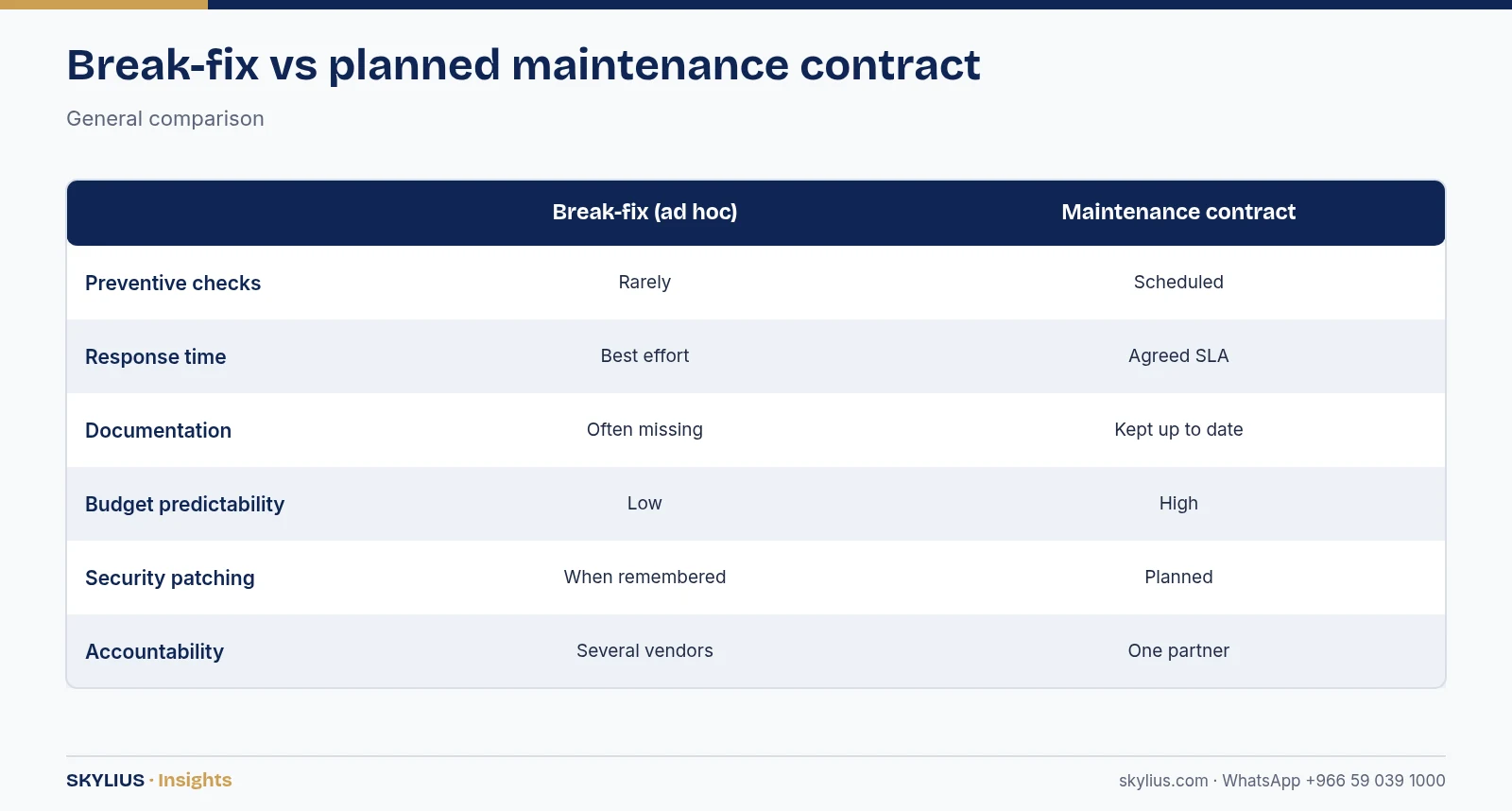
Without a contract, IT support is usually reactive: something breaks, someone calls a technician, and the business waits. A maintenance contract changes that:
- Preventive work catches problems early – failing disks, full storage, expiring licences, dusty cameras.
- Agreed response times mean you know when help will arrive.
- One accountable partner for network, servers, security systems and users.
- Documentation – an up-to-date inventory, passwords stored securely, network diagrams.
- Predictable budgeting – a known annual or monthly cost for routine support.
Types of IT maintenance contracts
Preventive maintenance only
Scheduled visits and health checks; repairs and support calls charged separately. Suits small sites with simple systems.
Comprehensive (preventive + corrective)
Preventive visits plus unlimited or capped support calls and repairs (labour). Parts may be included or charged separately – check carefully.
Managed services
Continuous remote monitoring, patching, helpdesk, backup monitoring and security management, often priced per user or per device. Suits businesses that want a full outsourced IT function.
Systems-specific AMCs
Separate contracts for CCTV, access control, fire alarm or nurse call systems, or combined into one contract with a single provider.
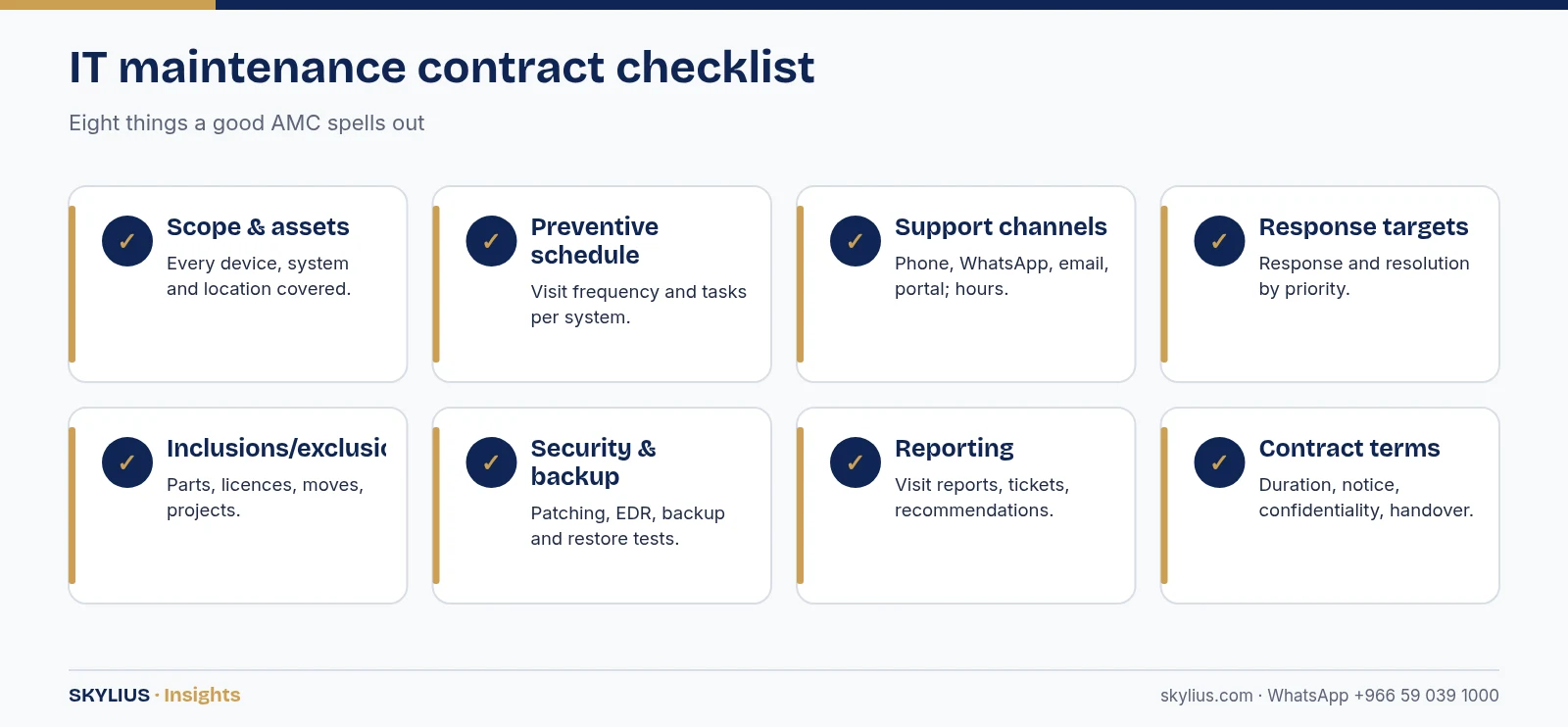
The checklist: what to look for
1. Scope and asset list
- Full list of covered equipment: PCs, laptops, servers, NAS, switches, firewalls, access points, printers, IP phones, CCTV, access control, fire alarm panels.
- Covered software: operating systems, Microsoft 365 / Google Workspace administration, antivirus, backup software.
- Covered locations and branches.
2. Preventive maintenance schedule
- Frequency of visits (monthly, quarterly) per system.
- What each visit includes – for example cleaning cameras, checking recordings and storage, testing UPS batteries, reviewing logs, updating firmware.
- A visit report after each visit.
3. Support channels and hours
- How to raise a request: phone, WhatsApp, email, portal.
- Support hours and whether after-hours or weekend support is included.
- Remote support first, with on-site visits when needed.
4. Response and resolution targets (SLA)
- Response time by priority (critical, high, normal, low).
- Target resolution or workaround times.
- What happens if targets are missed.
5. Inclusions and exclusions
- Are spare parts included, discounted or charged separately?
- Are licences and subscriptions included?
- Are moves, additions and changes (new users, new points) included or charged?
- Are new projects and major upgrades excluded?
- Is damage from misuse, power surges or water excluded?
6. Security and backup tasks
- Patch management for operating systems and firmware.
- Antivirus/EDR monitoring.
- Backup monitoring and regular restore tests.
- User account reviews and removal of leavers.
7. Documentation and reporting
- Asset inventory kept up to date.
- Network diagrams and credentials handed over and stored securely.
- Monthly or quarterly reports: tickets, response times, recommendations.
8. Contract terms
- Duration, renewal and notice period.
- Payment terms.
- Data confidentiality and access to your systems.
- Handover process if the contract ends.
Comparison table: contract models
| Feature | Preventive only | Comprehensive | Managed services |
|---|---|---|---|
| Scheduled visits | Yes | Yes | Yes + continuous monitoring |
| Support calls | Charged per call | Included (may be capped) | Included helpdesk |
| Remote monitoring | Rarely | Sometimes | Yes |
| Patch and backup management | Basic checks | Often | Yes |
| Parts | Extra | Extra or included (check) | Usually extra |
| Budget predictability | Medium | High | High |
| Best for | Small, simple sites | Most SMEs | Businesses without in-house IT |
Contract structures vary; always read the scope and exclusions.
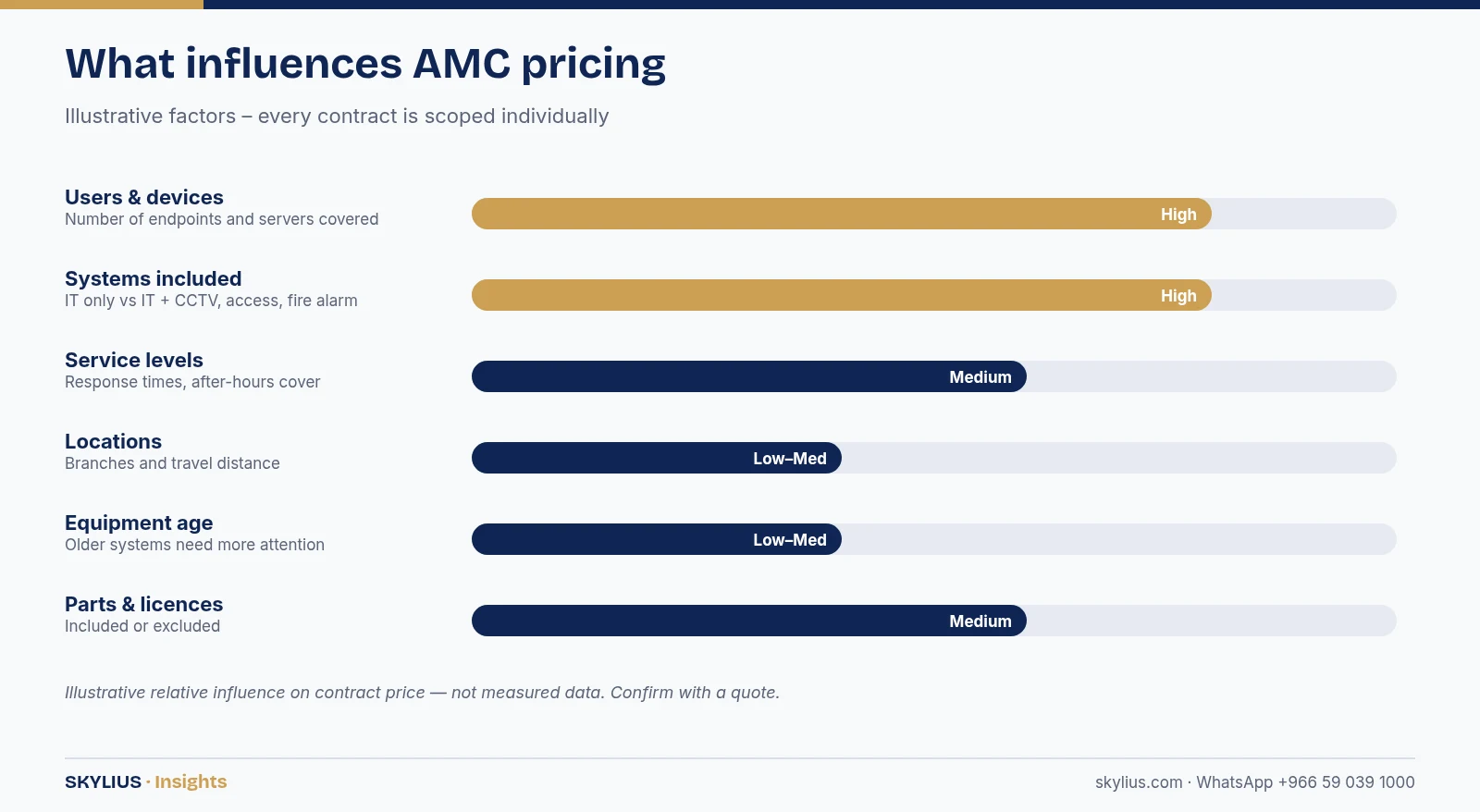
What affects the price of an IT maintenance contract
- Number of users and devices covered.
- Systems included – IT only, or IT plus CCTV, access control, fire alarm and phones.
- Service levels – faster response and extended hours cost more.
- Locations – multiple branches and travel distance.
- Age and condition of equipment – older systems need more attention.
- Parts and licences – included or excluded.
Red flags in maintenance contracts
- No asset list – “all IT equipment” is too vague.
- No defined response times.
- No visit reports or ticket history.
- Credentials held only by the provider.
- Unclear treatment of parts and out-of-scope work.
- No exit or handover clause.
Questions to ask before you sign
- Who will be our named contact, and who covers when they are unavailable?
- Can you show a sample visit report and a sample monthly report?
- How do you store our passwords and who in your team can access them?
- What remote support tool do you use, and can we see a log of sessions?
- How do you prioritise a request – who decides what is “critical”?
- What is your process for new users, leavers and equipment changes?
- How do you handle a system that is old or out of manufacturer support?
- What happens on day one – will you audit and document our current setup?
A provider that answers these clearly and in writing is usually one that will deliver what the contract promises.
How Skylius helps
Skylius Holding provides IT maintenance contracts that can cover your network, servers, computers, Wi-Fi, IP phones, CCTV, access control, fire alarm and nurse call systems under one agreement, with remote support and on-site visits across Al Khobar, Dammam and the Eastern Province. Every contract includes a clear asset list, a preventive schedule, agreed response times and regular reports.
Ask for a maintenance proposal: visit our IT maintenance service or message us on WhatsApp +966 59 039 1000.
Frequently asked questions
What is an AMC in IT?
An AMC (annual maintenance contract) is an agreement where a provider maintains and supports your IT and related systems for a fixed period, usually including preventive visits and support.
What should an IT maintenance contract include?
A clear asset list, preventive maintenance schedule, support channels and hours, response targets, inclusions and exclusions, security and backup tasks, reporting and contract terms.
Are spare parts included in maintenance contracts?
It varies. Some contracts include certain parts, others charge separately or offer discounts. Make sure this is written into the contract.
How often should preventive maintenance visits happen?
It depends on the systems and their criticality. Monthly or quarterly visits are common; critical systems may also be monitored continuously.
Can one contract cover CCTV, access control and IT?
Yes, if the provider supports all those systems. A combined contract reduces the number of suppliers and clarifies responsibility.
What is the difference between response time and resolution time?
Response time is how quickly the provider starts working on your request. Resolution time is how quickly the problem is fixed or a workaround is provided.
Is remote support secure?
It can be, when the provider uses secure remote tools, individual accounts, multi-factor authentication and logs sessions. Ask how remote access is controlled.
Can I switch providers in the middle of a contract?
Check the notice and termination clauses. A good contract includes a handover process for documentation and credentials.