
Enterprise Storage
SAN, NAS and backup storage designed for performance, resilience and growth.
- Covers
- SAN (iSCSI / FC)Enterprise NASAll-flash & hybridSnapshots & replicationBackup storage
- Architectures
- Block SAN · Enterprise NAS · Unified array · Backup appliance
- How we work
- Profile → Design → Deploy → Migrate → Protect
Reports and the ERP crawl when many users write at once. Our fix: The right RAID level, disk tier and controller cache for the workload.
See the common problemsThe array has a single controller or a single cable to each server. Our fix: Dual controllers and multipath connectivity.
See the common problemsArchives and live databases share the same slow disks. Our fix: Tiering: flash for hot data, capacity disks for the rest.
See the common problemsChoose a RAID level and drive type to see usable capacity, fault tolerance and the effective IOPS your servers will feel.
Open the interactive toolAnswer a few quick questions and a Skylius specialist will prepare practical recommendations.
Request a consultationStorage that keeps pace with every application.
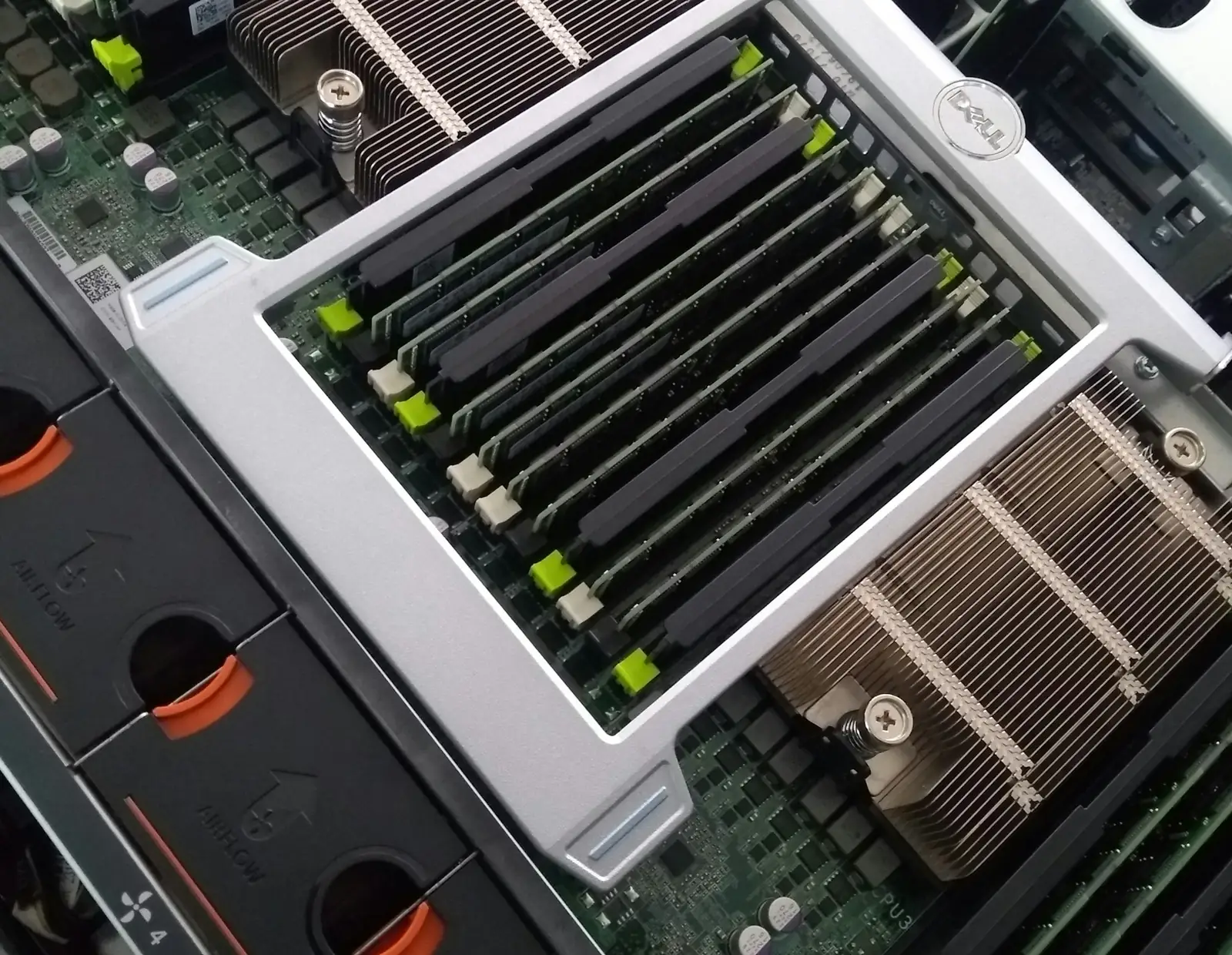
We design enterprise storage around performance, not just capacity: SAN and NAS arrays, flash tiers, snapshots and dedicated backup storage, connected so every server gets the speed it needs.
Storage problems that look like server problems
When storage slows everything down.
Slow at month-end
Reports and the ERP crawl when many users write at once.
One controller, one path
The array has a single controller or a single cable to each server.
Everything on one tier
Archives and live databases share the same slow disks.
Backups on the same array
The only backup copy sits on the storage it is meant to protect.
What we deliver
Storage designed for the workload.
IOPS, throughput, latency and read/write mix measured per application.
SAN, NAS, hyper-converged or a combination, with connectivity design.
Protection level, hot spares and flash tiers chosen for each data set.
Snapshots, replication, thin provisioning and quotas configured.
Dedicated targets with immutability where supported.
Data moved from old storage with verification and minimal downtime.
Architectures
Block, file or both together.
Block SAN
Low-latency storage presented to servers over iSCSI or Fibre Channel.
Enterprise NAS
SMB/NFS file services with snapshots and quotas.
Unified array
Block and file from one platform, managed together.
Backup appliance
Purpose-built storage for backups with immutability.
Interactive · RAID performance & capacity
How fast and how safe is your array?
Choose a RAID level and drive type to see usable capacity, fault tolerance and the effective IOPS your servers will feel.
Indicative array profile
Indicative only. Rule-of-thumb maths before controller cache and filesystem overhead. RAID is not a backup; keep separate copies.
Send this on WhatsAppHow we work
A clear process, no surprises.
Profile
Measure how applications use storage today.
Design
Architecture, RAID, tiers and connectivity.
Deploy
Arrays installed, zoned and presented.
Migrate
Data moved and verified.
Protect
Snapshots, replication and backup tested.
Platforms we work with
Proven platforms, chosen per project.






FAQ
Questions about Enterprise Storage.
Have a different question? A specialist will reply on WhatsApp.
Not always. Snapshots, old backups and duplicate data often eat the space. We review usage first, then size growth properly so you are not buying again in a year.
That usually points to storage latency. We measure IOPS and response times per volume to find the real bottleneck.
SAN suits databases and virtual machines that need block storage. NAS suits shared files. Many businesses use both, or a unified array that does each.
No. RAID survives disk failures, but not deletion, corruption or ransomware. Snapshots and separate backup storage are still essential.
Yes. We copy, verify checksums and run both systems in parallel until you are confident, with a final sync during a short window.
For databases, virtual machines and busy file shares, flash usually makes a visible difference. Archives can stay on capacity disks to control cost.
We configure array alerts and monitoring, so a failing disk is flagged and replaced before a second failure becomes dangerous.
Yes. Many arrays support replication to a second array or to the cloud, which shortens recovery after a site-level problem.
The server lifecycle
Plan, build, run, protect, scale.
Every service in this section, organised by the stage of your server journey.
Enterprise Storage
Let's build storage that never holds you back.
Tell us about your servers and goals. We will review them and send a clear, itemised proposal.
