

Cybersecurity Checklist for Saudi SMEs: Practical Basics (PDPL & NCA Awareness)
Quick answer
Most cyber incidents at small businesses start with something basic: a stolen password, a phishing email, an unpatched device, or a backup that did not work. The most effective first steps are: turn on multi-factor authentication (MFA) for email and admin accounts, keep systems and devices updated, use a business firewall and endpoint protection, back up data using the 3-2-1 approach with an offline or immutable copy, separate guest and device networks, control who has admin rights, and train staff to recognise phishing. In Saudi Arabia, the Personal Data Protection Law (PDPL) applies to organisations that process personal data, and the National Cybersecurity Authority (NCA) publishes cybersecurity controls and guidance. Check which obligations apply to your organisation with the official authorities or a qualified adviser.
Why SMEs are targets
Attackers often use automated tools that look for any weak point – they do not need to choose you specifically. Small businesses often have:
- Shared or reused passwords and no MFA.
- Old devices and software that no longer receive updates.
- Remote access set up quickly and never reviewed.
- Backups on a disk connected to the same network as the server.
- No one formally responsible for security.
The good news is that a short list of well-implemented basics removes many of the easiest attack paths.
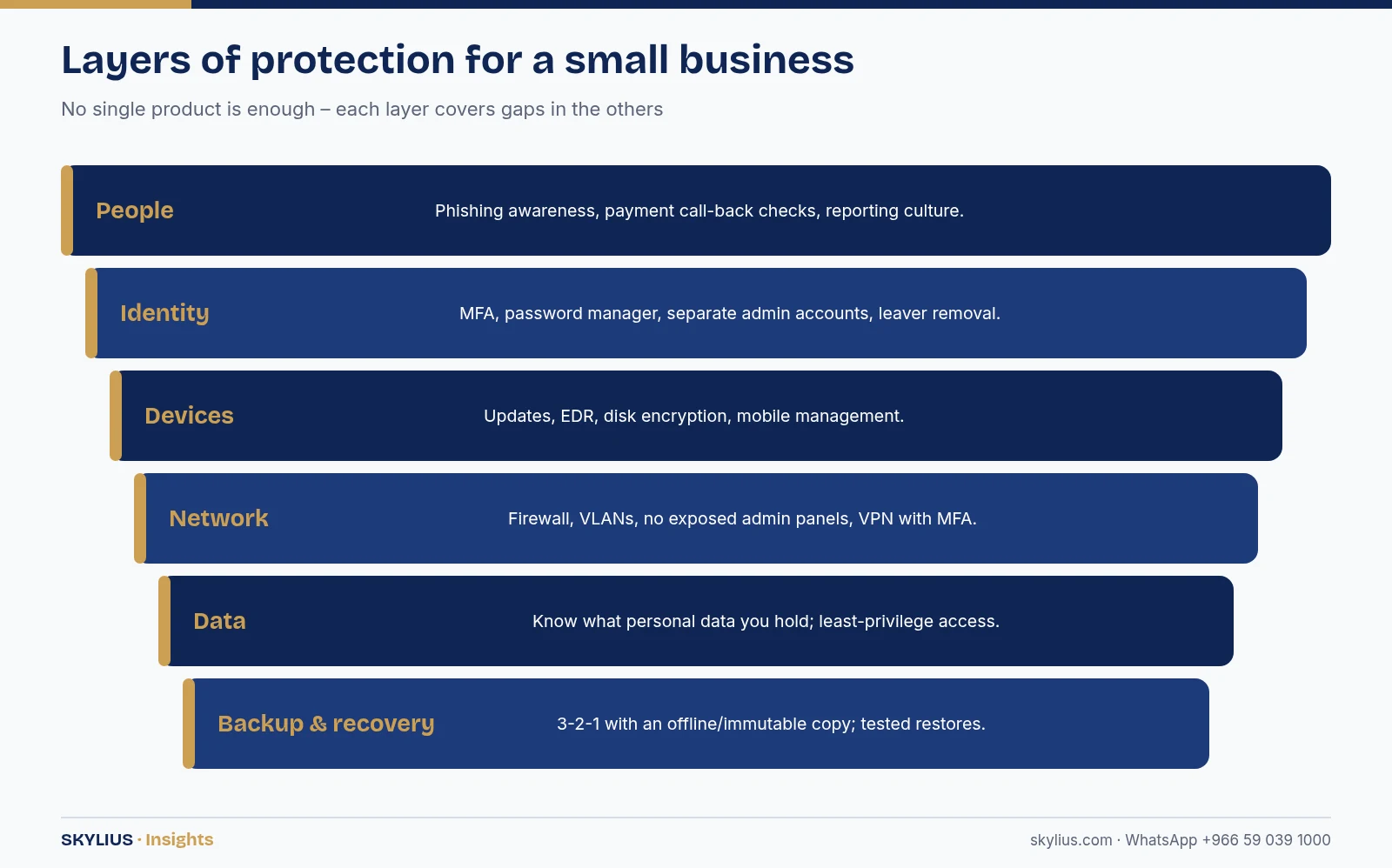
The checklist
1. Accounts and passwords
- ☐ Turn on MFA for email, cloud apps, VPN, remote access and all admin accounts.
- ☐ Use a password manager; no shared or reused passwords.
- ☐ Separate admin accounts from daily user accounts.
- ☐ Remove accounts of leavers on their last day.
- ☐ Review who has admin rights at least quarterly.
2. Updates and patching
- ☐ Enable automatic updates for operating systems and browsers.
- ☐ Patch firewalls, routers, NAS, CCTV recorders and access control controllers – these are often forgotten.
- ☐ Replace devices and software that no longer receive security updates.
3. Endpoint protection
- ☐ Install business-grade antivirus/EDR on every computer and server, centrally monitored.
- ☐ Encrypt laptops’ disks.
- ☐ Manage mobile phones that access company email.
4. Email security
- ☐ Enable spam and phishing filtering in your email platform.
- ☐ Configure SPF, DKIM and DMARC for your domain to reduce spoofing.
- ☐ Add an external-email warning banner.
- ☐ Agree a call-back process for payment or bank detail change requests.
5. Backup and recovery
- ☐ Follow 3-2-1: three copies, two media types, one off-site.
- ☐ Keep at least one copy offline or immutable.
- ☐ Back up cloud data (email, files) as well as on-premise servers.
- ☐ Test restores regularly and write down the recovery steps.
6. Network security
- ☐ Use a business firewall with up-to-date firmware.
- ☐ Do not expose remote desktop, NVRs or admin panels directly to the internet; use VPN with MFA.
- ☐ Separate staff, guest, CCTV and IoT devices into different networks (VLANs).
- ☐ Change default passwords on every network device, camera and printer.
7. Data protection
- ☐ Know what personal data you hold (customers, employees, CCTV, biometrics), where it is stored and who can access it.
- ☐ Limit access to people who need it.
- ☐ Define how long data is kept and how it is deleted.
- ☐ Review privacy notices and consent where required under the PDPL.
8. People and process
- ☐ Train staff to spot phishing and report it quickly.
- ☐ Nominate a person responsible for cybersecurity, even part-time.
- ☐ Write a simple incident response plan: who to call, what to disconnect, how to restore.
- ☐ Keep an inventory of devices, software and accounts.
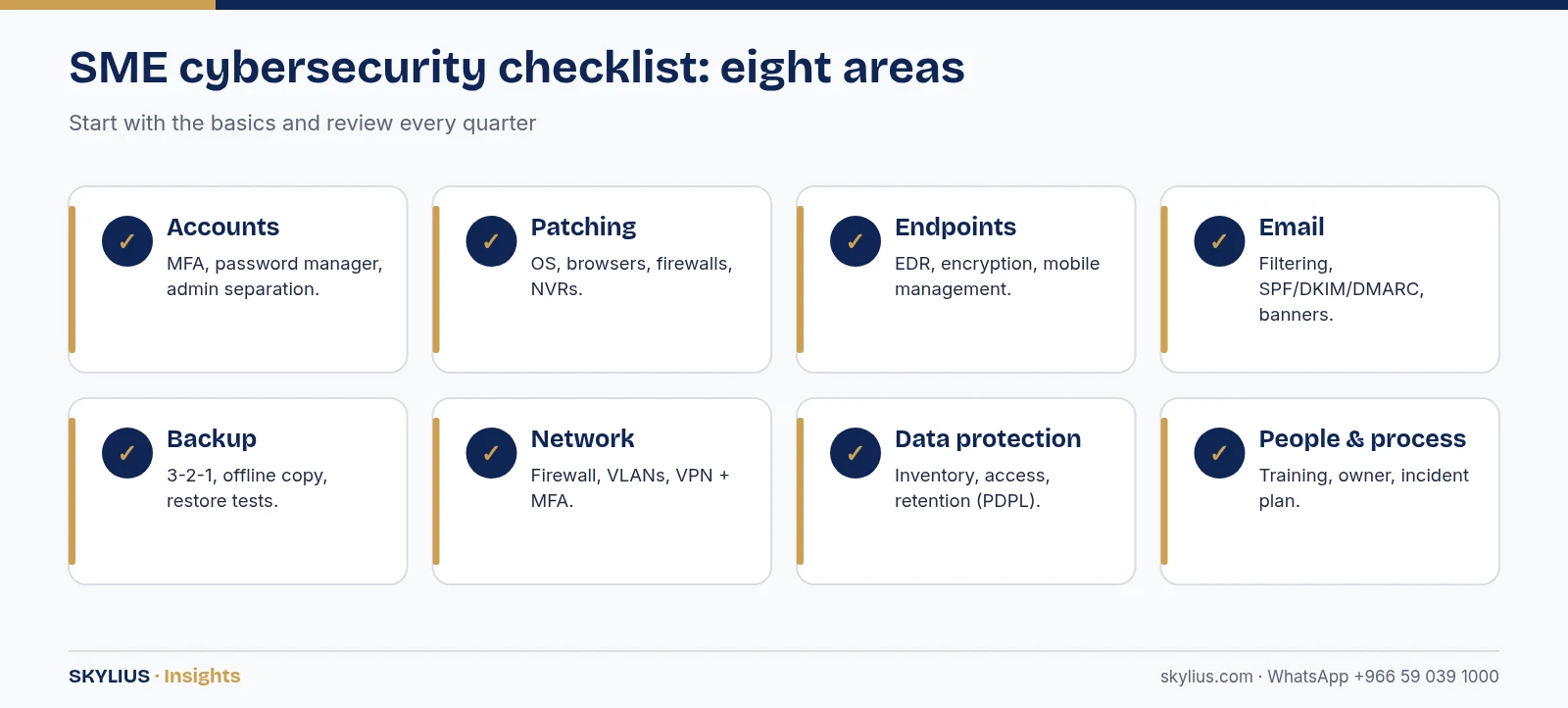
Prioritising: where to start
If you can only do a few things this month, these give strong protection for the effort:
| Priority | Action | Why it matters |
|---|---|---|
| 1 | MFA on email and admin accounts | Stops many attacks that use stolen passwords |
| 2 | Tested, offline/immutable backup | Lets you recover from ransomware or deletion |
| 3 | Automatic updates and patching | Closes known vulnerabilities |
| 4 | Remove internet-exposed admin services | Removes common entry points |
| 5 | Phishing awareness and payment verification | Reduces fraud and credential theft |
| 6 | Network separation for guests, CCTV and IoT | Limits how far an attacker can move |
Priorities are general guidance; a risk assessment will tailor them to your business.
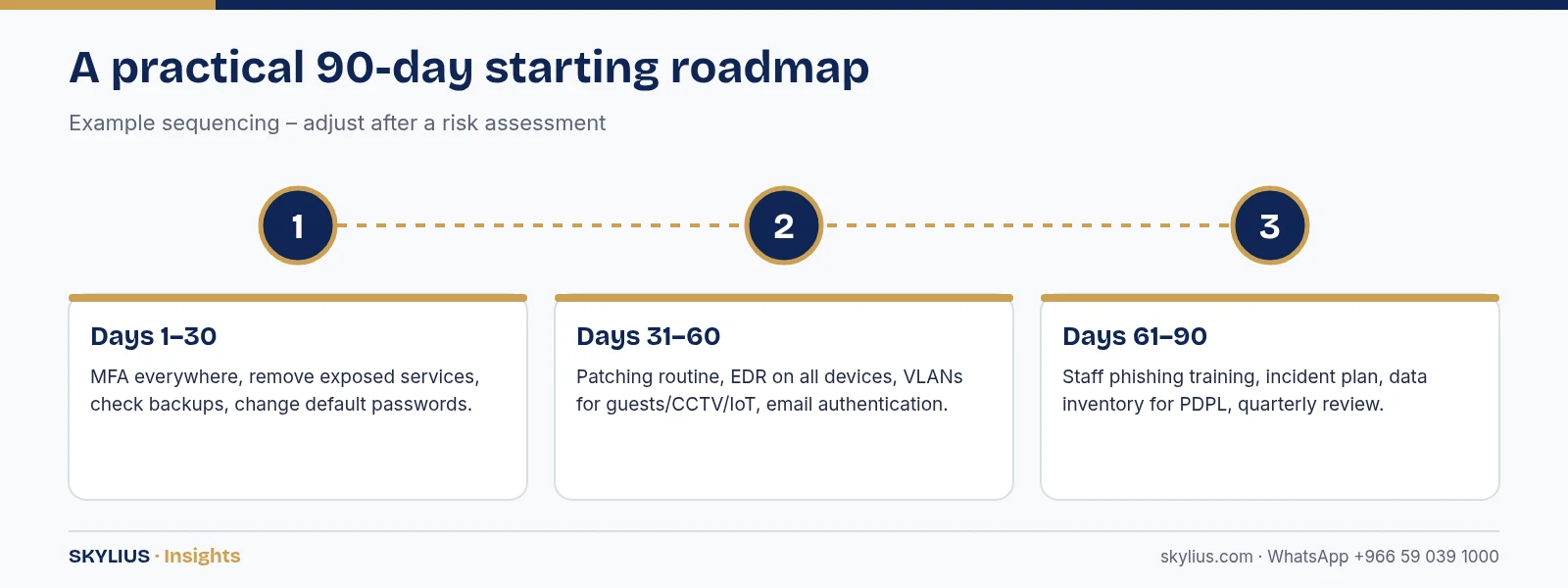
Saudi regulations: PDPL and NCA awareness
Personal Data Protection Law (PDPL)
The PDPL regulates how personal data is collected, used, stored, shared and transferred, and gives individuals rights over their data. It is overseen by the Saudi Data & AI Authority (SDAIA). Businesses that hold customer, employee or CCTV data should understand their obligations, including security of personal data and handling of data breaches. Check the current law, implementing regulations and guidance on SDAIA’s official channels, and seek legal advice where needed.
NCA controls
The National Cybersecurity Authority publishes frameworks such as the Essential Cybersecurity Controls (ECC) and other sector- and topic-specific controls. Some are mandatory for certain entities (for example, government organisations and operators of critical national infrastructure and their suppliers), while others serve as good-practice references. Even if they are not mandatory for your business, they are a useful structure. Confirm applicability with the NCA or your sector regulator. Large customers may also require suppliers to show cybersecurity measures, so the basics in this checklist can help in tenders.
Common mistakes
- Buying a security product but leaving MFA switched off.
- Backups stored on the same network, encrypted by the same ransomware.
- CCTV recorders reachable from the internet with default passwords.
- Former employees still able to log in to email or cloud apps.
- No one knowing who to call when something goes wrong.
How Skylius helps
Skylius Holding helps SMEs across Al Khobar, Dammam and Saudi Arabia put these basics in place: security assessments, MFA and Microsoft 365/Google Workspace hardening, firewalls and network segmentation, endpoint protection, backup design and restore testing, staff awareness sessions, and ongoing monitoring under an IT maintenance contract.
Book a cybersecurity health check: visit our cybersecurity service or message us on WhatsApp +966 59 039 1000.
Frequently asked questions
What is the most important cybersecurity step for a small business?
Turning on multi-factor authentication for email, cloud apps and admin accounts is one of the most effective first steps, alongside tested backups.
Does the PDPL apply to my small business?
The PDPL applies to processing personal data in Saudi Arabia, which most businesses do. Check the official law and regulations from SDAIA and seek legal advice on your specific obligations.
Are NCA controls mandatory for private companies?
Some NCA controls are mandatory for specific entities, such as government organisations and critical infrastructure operators and their suppliers. Others are useful references. Confirm applicability with the NCA or your regulator.
Is antivirus enough to protect my business?
No. Antivirus or EDR is one layer. You also need MFA, patching, backups, a firewall, network separation and staff awareness.
How often should we back up our data?
It depends on how much data you can afford to lose. Many businesses back up daily or more often, with at least one offline or immutable copy, and test restores regularly.
Can CCTV and access control systems be a cyber risk?
Yes. Recorders, cameras and controllers are network devices. Change default passwords, update firmware, separate them on their own network and avoid exposing them to the internet.
What should we do if we suspect a cyber attack?
Follow your incident plan: isolate affected devices, contact your IT provider, preserve evidence, reset compromised passwords and restore from clean backups. Report incidents as required by applicable regulations.
How much does cybersecurity cost for an SME?
It depends on users, devices, systems and the level of monitoring needed. Many basics, such as MFA and secure configurations, need effort more than spending. An assessment helps prioritise.