
Low Current & Security Systems
CCTV, access control, gates, fire alarm and smart building systems, centrally managed.
- Covers
- CCTV & NVRAccess controlFire alarmANPR gatesIntercomPA & background musicStructured cabling
- Guides
- IP vs analog cameras · 4MP vs 8MP · Storage & retention · Cat6 vs Cat6A vs fiber
- How we work
- Site survey → Design & BOQ → Installation → Test & handover → SLA support
Faces are a blur and plates are unreadable. The camera was chosen on price, not on the scene it has to cover. Our fix: A lens and resolution chosen for each view, with IR/low-light models and plate cameras where needed.
See the common problemsYou only find out after an incident, when the recording for that week simply isn't there. Our fix: Health monitoring and alerts for camera loss, HDD faults and recording gaps.
See the common problemsCards get shared at doors, ex-staff still get in, and there's no reliable log of who entered where. Our fix: Role-based access, instant revocation and face or fingerprint where sharing is a risk.
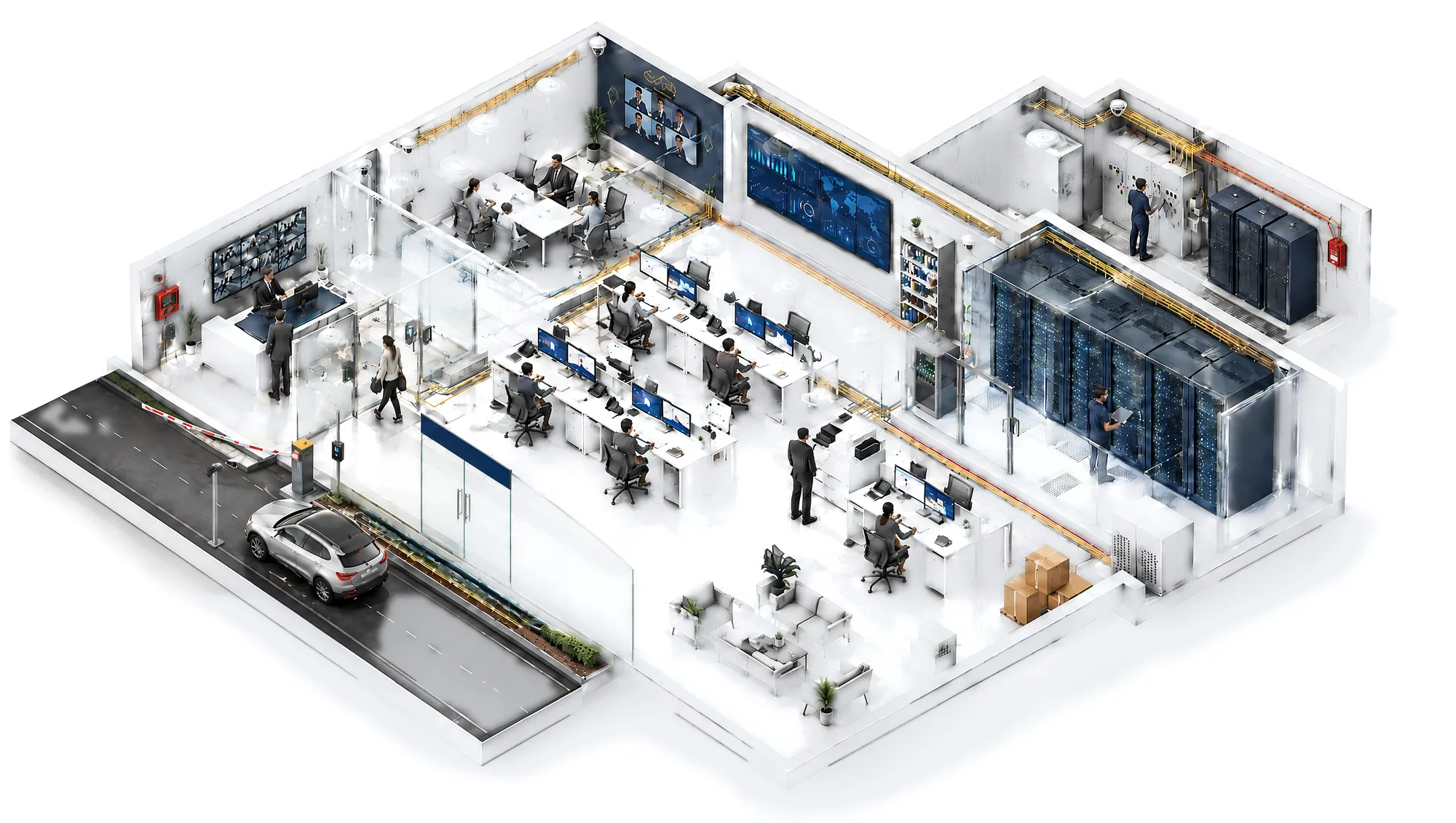
See the common problemsTap a numbered point to see what we install in that zone, why it matters and typical specifications.
Try the explore a facilityAnswer a few quick questions and a Skylius specialist will prepare practical recommendations.
Request a consultationSecurity that works at 3 AM, not just on handover day.
CCTV, access control, fire alarm, ANPR gates, intercom, PA and the structured cabling behind them, designed as one system and installed neatly. It's documented, labelled and supported after handover.
Sound familiar?
The problems we get called to fix.
Most security systems don't fail on day one. They fail quietly, months later, at the moment you need the footage.
Night footage you can't use
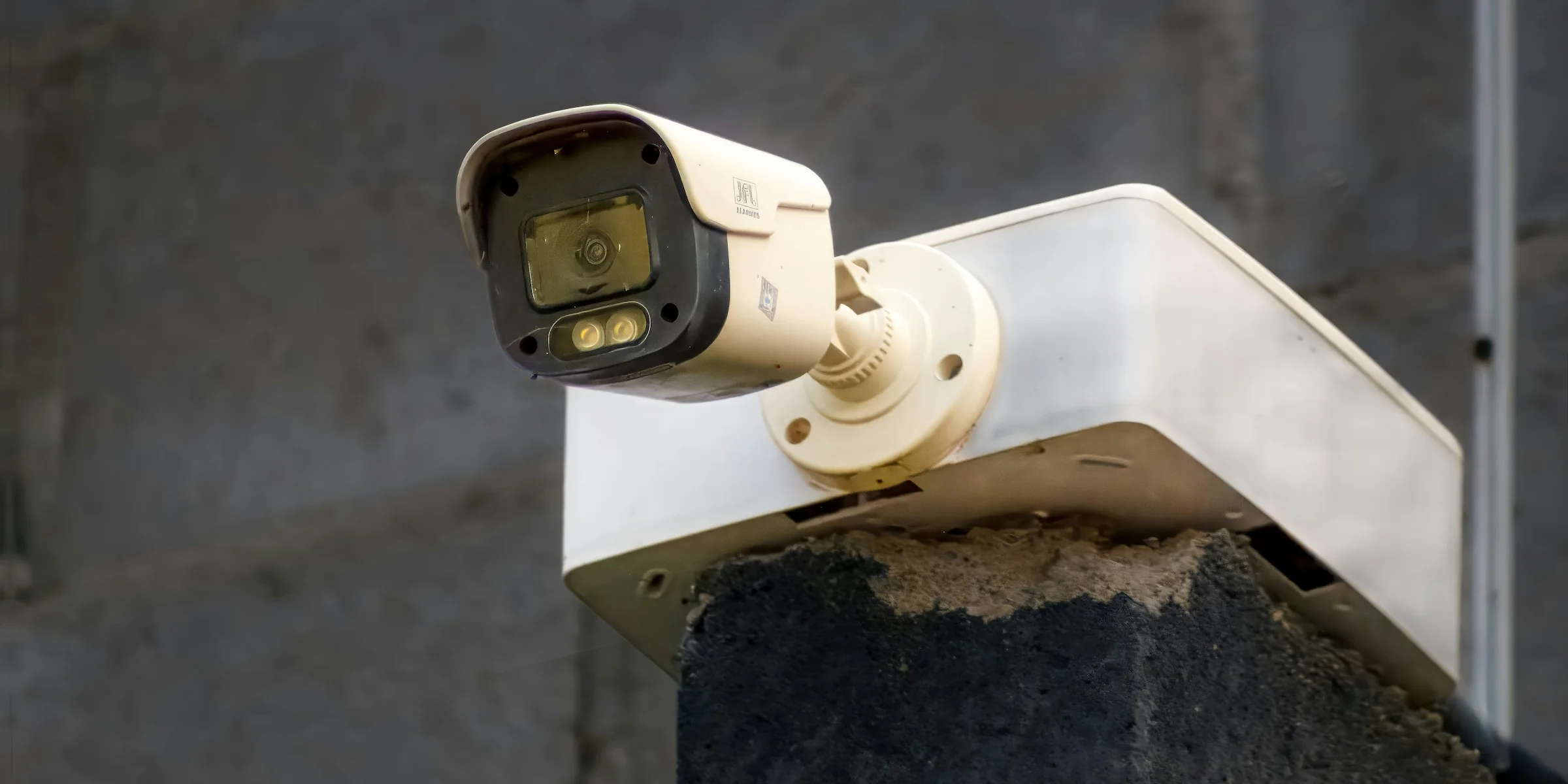
Faces are a blur and plates are unreadable. The camera was chosen on price, not on the scene it has to cover.
Cameras offline and nobody noticed
You only find out after an incident, when the recording for that week simply isn't there.
Access cards passed around
Cards get shared at doors, ex-staff still get in, and there's no reliable log of who entered where.
False fire alarms
Repeated false alarms disrupt operations and train people to ignore the real one.
Cabling chaos, no labels
Every fault becomes a hunt. Nobody knows which cable goes where, so simple changes take days.
No one to call
The installer has moved on. Passwords, licences and drawings left with them.
Interactive · explore a facility
What goes where and why.
Tap a numbered point to see what we install in that zone, why it matters and typical specifications.
Interactive · quick scope estimator
Roughly what your facility needs.
Choose your facility and needs to get an indicative system scope in quantities. A free site survey confirms the real numbers.
Indicative system scope
Villa · 600 m² · 2 floors
Indicative only. These quantities are based on typical layouts and assume H.265 recording 24/7 with 20% storage headroom. Real numbers depend on your drawings, the views you need covered, local requirements and the site survey. No prices are shown; you'll get a detailed BOQ after the survey.
Confirm with a free site surveyBuyer's guide
Decisions that matter, explained simply.
The short version of the questions we're asked most when a client compares quotes.
IP vs analog (HD-over-coax) cameras
Analog HD can reuse existing coax and costs less up front. IP cameras run over network cabling with PoE and give better image processing, smart analytics, and easier expansion and remote management.
Good for small upgrades on existing coax. It has limited analytics, and every camera needs a home run to the recorder.
One cable carries power and data (PoE). It supports higher resolutions, built-in analytics, central management and growth.
Rule of thumb: new buildings and major refits go IP. Analog only makes sense when coax is already in place and the budget is tight.
4MP vs 8MP (4K)
More megapixels only help if the lens, lighting and bitrate support them. 8MP roughly doubles storage and needs better low-light performance to be worth it.
The sweet spot for corridors, rooms, entrances and most indoor views. It handles low light well and is storage-efficient.
For wide areas such as yards, parking, lobbies and warehouses, where you need to digitally zoom into detail.
ANPR cameras for plates, and PTZ cameras for operator-controlled large-area coverage.
Tip: plan by "pixels on target". Identifying a face needs far more pixel density than just detecting a person.
Storage & retention days
Storage is driven by the number of cameras, resolution, compression (H.265 vs H.264), frame rate, recording mode and how many days you keep footage. Many sites target around 30 days. Some regulated sites require specific retention, so confirm what applies to you.
Typical 4MP H.265 recording continuously at about 3 Mbps.
Typical 8MP H.265 recording continuously at about 6 Mbps.
Use drives rated for 24/7 recording. RAID (or N+1 for larger systems) protects footage if a disk fails.
Tip: motion/event recording reduces storage but can miss context. We usually recommend continuous recording plus event marking.
Cat6 vs Cat6A vs fiber
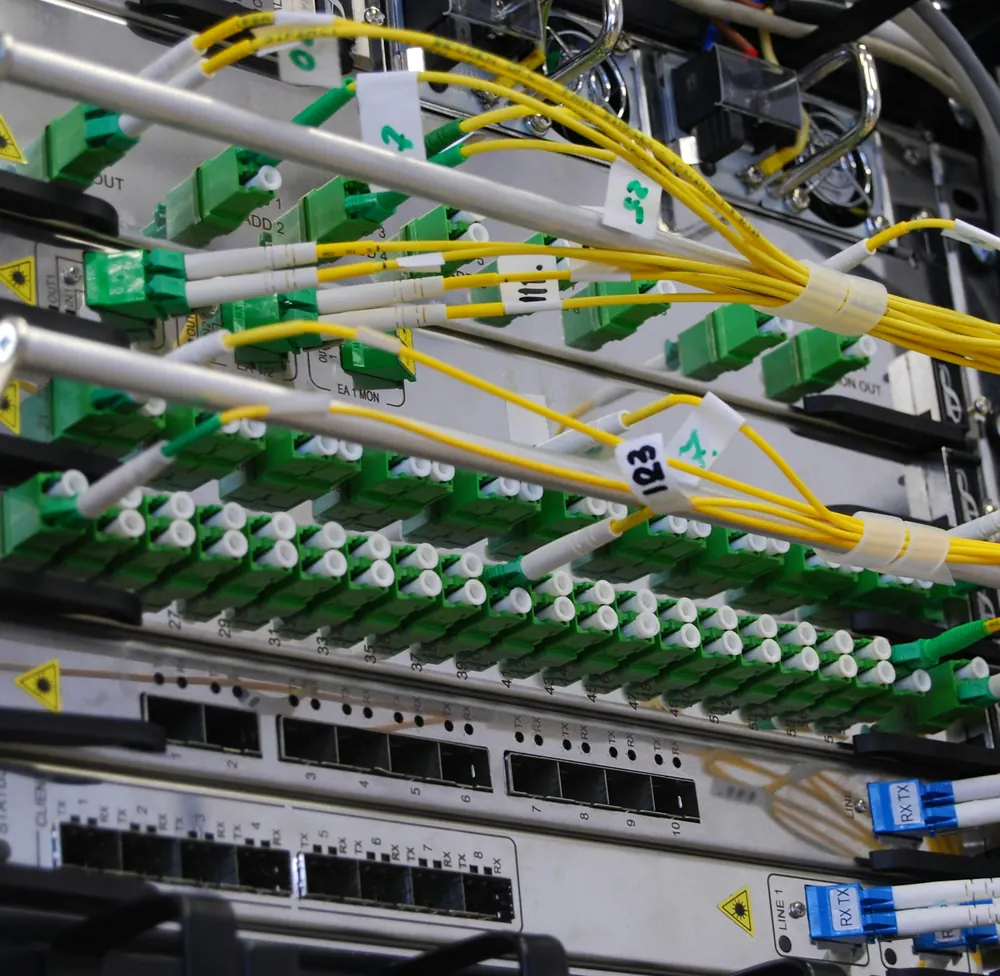
Copper runs are limited to about 100 m per channel. Beyond that, or between buildings, use fiber.
Reliable for cameras, access control and 1 Gbps devices up to 100 m. Cost-effective for most security runs.
Supports 10 Gbps, handles higher PoE power with better heat performance, and future-proofs Wi-Fi 6/7 access points.
For backbones, long distances, building-to-building links and areas with electrical interference.
What to ask for: every link tested and certified, labelled at both ends, and recorded on as-built drawings.
PoE budget
Every PoE switch has a total power budget. Cameras with IR, heaters or PTZ motors draw much more than a basic dome. Undersized switches cause random reboots, especially at night when IR turns on.
Roughly 4–8 W each (802.3af).
Roughly 8–13 W each.
25–60 W+ (802.3at/bt), so plan these separately.
Rule of thumb: add the worst-case draw of every device, then keep at least 20–25% spare budget on the switch.
Card vs face vs fingerprint
The right credential depends on traffic, risk and hygiene. Many sites combine them, for example a card plus face for server rooms.
Fast and familiar, and easy to issue and revoke. Cards can be shared or lost.
Touchless and fast for high traffic, and can't be handed to someone else. It needs good placement and lighting.
Low cost and hard to share. It's slower at peak times and sensitive to dirty or worn fingers on industrial sites.
Tip: link access control with HR/time attendance so leavers are removed in one step.
Conventional vs addressable fire alarm
Both detect fire. The difference is how precisely the panel tells you where.
Devices are grouped into zones. The panel shows "Zone 3", not the exact room. Suits small, simple buildings.
Every device has an address, so the panel shows the exact detector. Faults are easier to find, false alarms are easier to manage, and it suits medium and large buildings.
Note: fire alarm systems in Saudi Arabia are subject to Civil Defense requirements. Designs should follow the approved drawings and the applicable code for your building type.
Before / after
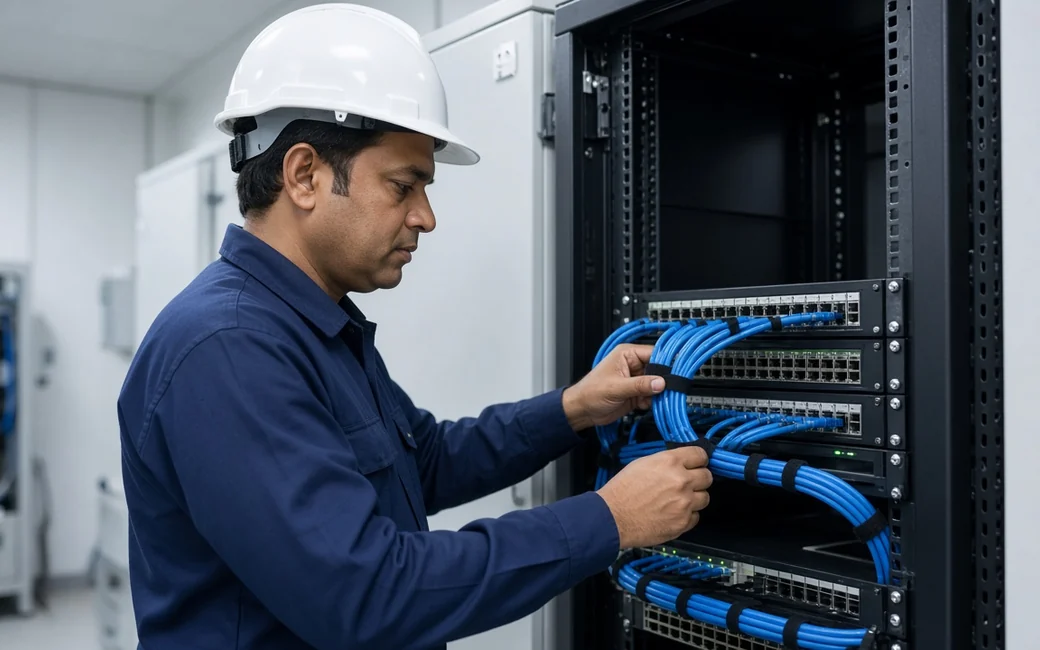
The difference is in the rack.
Drag the slider. A tidy, labelled rack isn't cosmetic: it decides whether a fault takes ten minutes or a full day.
- Every port and cable labelled at both ends
- Patch cords cut to length and routed through managers
- Switch, NVR and UPS mounted and ventilated
- Every link tested, with results in the handover pack
- As-built drawings that match the site

 BeforeAfter
How we work
From survey to support, one team.
No hand-offs between a designer, an installer and a separate support company.
Site survey
We walk the site with you and check views, door hardware, cable routes, power and existing systems.
Design & BOQ
Camera views, access plan, fire zones and cabling layout, with an itemised BOQ.
Installation
Neat containment, structured cabling and certified-brand devices, installed by our own technicians.
Test & handover
Every link and device is tested. Then labelling, as-built drawings and training for your team.
SLA support
Preventive maintenance, health checks and a defined response time under an optional contract.
Requirements & standards
Designed with local requirements in mind.
Civil Defense requirements
Fire alarm design and installation follow the approved drawings and applicable Saudi Civil Defense requirements for your building type. We coordinate with your consultant or contractor on submittals and testing.
Security-camera requirements where they apply
Some facilities fall under specific security-surveillance regulations (for example SIRA/HCIS-type requirements) covering coverage, retention and equipment. We design to the requirements your facility is subject to.
Recognised practice
Structured cabling follows recognised industry practice: tested links, labelling, separation from power, and documentation. Your data and credentials are handed over to you.
This is general guidance, not legal advice. Exact obligations depend on your facility type, location and the authority having jurisdiction. Final requirements should be confirmed with the relevant authority or your consultant during design.
Technology we work with
Certified brands, chosen per project.







FAQ
Questions clients ask us.
Can't find yours? Message us on WhatsApp and an engineer will reply.

Yes. We visit, review your drawings and needs, and prepare a design and itemised BOQ. There's no obligation to proceed.
Often, yes. We test what's there, keep what's reliable, and recommend replacing only what limits you, such as old analog cameras or failing recorders.
A villa is typically a few days. Offices and warehouses take one to a few weeks depending on size and how ready the site is. You'll get a schedule with the BOQ.
Yes. We set up secure remote viewing with individual user accounts and permissions, and change all default passwords at handover.
It depends on cameras, resolution and settings. We size storage for your target, commonly around 30 days, and confirm it during testing. Some regulated facilities require specific retention periods.
We design and install fire alarm systems to the approved drawings and applicable requirements, and coordinate testing with your consultant or contractor. Approvals are issued by the authority.
As-built drawings, a device and IP list, test results, labelled cabling, admin credentials, warranty details and basic training for your team.
Yes, for CCTV, access control and other low-current systems (fire alarm systems are not included). Preventive visits, health monitoring and defined response times. You can request a maintenance contract online.
Free site survey
Let's make sure your system works when it matters.
Tell us about your facility. We'll survey, design and give you a clear, itemised scope with no guesswork.
