
Networking & IT Infrastructure
Networks, cabling, fiber, wireless and server rooms built for reliable operation.
- Covers
- Structured cablingWi-Fi 6 / 6E / 7Switching & routingFirewallsAntivirusServers & storageServer rooms
- Guides
- Wi-Fi 6 vs 6E vs 7 · Managed vs unmanaged switches · Cat6 vs Cat6A vs fiber · Firewall sizing & UTM
- How we work
- Assess → Design → Build → Test & hand over → Monitor & support
Meeting rooms, the warehouse floor, the far office. Calls drop as people walk and the guest Wi-Fi crawls. Our fix: Survey-based AP placement, the right Wi-Fi generation, and proper roaming and channel planning.
See the common problemsEverything stops a few times a month and the fix is "restart the router". Nobody knows the real cause. Our fix: Managed switching, clean cabling, UPS for core gear, and monitoring that shows exactly what failed.
See the common problemsThe firewall admin, the switch logins, the topology: it all lives in one former employee's head or a sticky note. Our fix: A network diagram, IP plan and password vault handed over to you, kept up to date.
See the common problemsClick any device to see its role. Then switch on Simulate outage and watch traffic take the backup path.
Try the network diagramAnswer a few quick questions and a Skylius specialist will prepare practical recommendations.
Request a consultationSlow Wi-Fi. Random outages. A network nobody can explain.
We design, build and run the network your business runs on. That covers structured cabling, Wi-Fi, switching, firewalls, servers and multi-site links, all documented and monitored and with a backup path for when something fails.
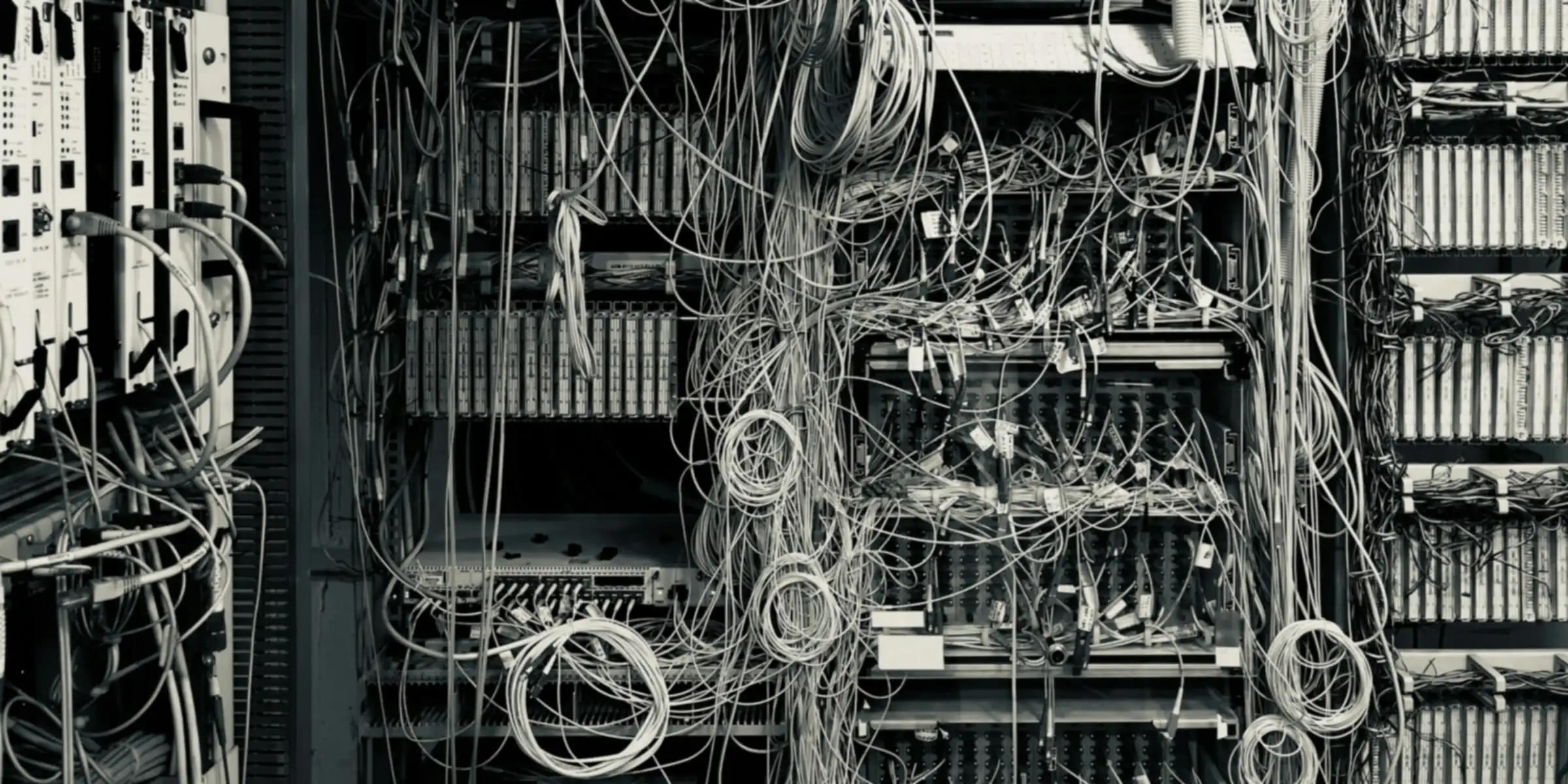
Sound familiar?
When the network becomes the problem.
Most networks grow one switch and one router at a time, until nobody knows how it all fits together.
Dead Wi-Fi zones
Meeting rooms, the warehouse floor, the far office. Calls drop as people walk and the guest Wi-Fi crawls.
Random outages
Everything stops a few times a month and the fix is "restart the router". Nobody knows the real cause.
Nobody knows the passwords
The firewall admin, the switch logins, the topology: it all lives in one former employee's head or a sticky note.
One ISP, no failover
When the line drops, sales, POS, cloud apps and phones all go down with it.
Flat network, no VLANs
Guests, cameras, printers and finance PCs all sit on one network. One infected laptop can reach everything.
Branches not securely connected
Remote sites email files around or use risky remote-desktop tools because there's no proper link.
Interactive · network diagram
A network that keeps working when parts fail.
Click any device to see its role. Then switch on Simulate outage and watch traffic take the backup path.
- The primary ISP went down. The firewall pair detected it and moved internet traffic to the 5G/second-ISP backup.
- Core switch 1 failed. Access switches are dual-homed, so traffic continues through Core 2.
- The branches stay connected through SD-WAN, and monitoring sends an alert to the team.
Interactive · Wi-Fi coverage & sizing
How many access points do you really need?
Coverage is only half the answer. Capacity (how many devices) matters just as much. Get an indicative scope in seconds.
Indicative network scope
Indicative only. Based on typical coverage and client density per AP for the space type. Real numbers come from a site survey or predictive design using your floor plans, since materials, ceiling height, shelving and interference all matter. No prices are shown.
Send this scope on WhatsAppInteractive · 60-second health check
How healthy is your network?
Answer 8 quick yes/no questions. You'll get a score and a short list of what to fix first.
Buyer's guide
Network decisions, explained simply.
What actually matters when you compare network proposals.
Wi-Fi 6 vs 6E vs 7
Newer generations add spectrum and efficiency, but they only help if your devices support them and the cabling and switch ports can keep up.
2.4 and 5 GHz. A big gain in efficiency with many devices. The solid default for most offices.
Adds the 6 GHz band: clean channels, less interference and great for dense spaces. Needs 6E-capable devices.
Wider channels and multi-link operation for very high throughput. Best for future-proofing, and pairs with 2.5G/5G/10G ports.
Tip: 6 GHz availability and rules vary by country. Check local regulations and your device mix before paying for 6E/7 everywhere.
Managed vs unmanaged switches
Unmanaged switches are plug-and-play with no visibility. Managed switches let you segment, prioritise and monitor.
Cheap and simple. No VLANs, no QoS, no monitoring. Fine for a desk, not for a business core.
VLANs, QoS for voice and video, PoE control, link aggregation, SNMP monitoring and security features.
Managed from a web dashboard across all sites, with alerts and firmware updates. Often licence-based.
Rule of thumb: anything carrying cameras, phones or Wi-Fi should be on managed PoE switches.
Cat6 vs Cat6A vs fiber
Copper channels are limited to about 100 m. Cabling usually outlives two or three generations of equipment, so plan ahead.
1 Gbps (10 Gbps on short runs). Cost-effective for desks, phones and most cameras.
10 Gbps to 100 m, better for high-power PoE. Recommended for Wi-Fi 6E/7 APs using 2.5G/5G ports.
Backbones between racks, floors and buildings. Long distance and immune to interference.
What to ask for: test reports for every link, labels at both ends, and as-built drawings.
Firewall sizing & UTM
Datasheet throughput is often quoted with security features off. Size the firewall on throughput with threat protection on, and on VPN users.
Internet speed × growth, threat-protection throughput, SSL inspection, VPN tunnels and users.
IPS, web filtering, antivirus, application control and sandboxing, usually as yearly subscriptions.
A firewall pair (HA) removes a single point of failure for sites that can't go offline.
Don't forget: renew the security licences. An expired subscription leaves a firewall far less protective.
On-premise vs cloud servers
It isn't all-or-nothing. Many businesses run a hybrid.
Local performance, control over data, and works during internet outages. Needs a proper room, power, cooling and maintenance.
No hardware to maintain and scales easily. It depends on your internet link and has ongoing costs. Check data-residency needs.
Local file/ERP server or NAS plus cloud email and backups is a common, balanced setup.
Tip: some data may be subject to local data-residency rules. Confirm what applies to your sector.
RAID & the 3-2-1 backup rule
RAID protects against a disk failure. It is not a backup. Ransomware or deletion hits a RAID volume instantly.
Keeps the server running if a disk (or two, with RAID 6) fails. Choose based on capacity versus performance.
3 copies of your data, on 2 different media, with 1 copy offsite or in the cloud. Ideally keep one copy immutable or offline.
A backup only counts if you've restored from it. Test regularly.
Rule of thumb: if you can't say when you last restored a file from backup, assume you can't.
SD-WAN vs site-to-site VPN
Both connect branches securely. SD-WAN adds intelligence across multiple links.
An encrypted tunnel between firewalls. Cost-effective for a few sites with stable links.
Uses several links (fiber, broadband, 5G), steers apps over the best path, fails over automatically, and is managed centrally.
Tip: for 3+ branches, or when cloud apps and calls must stay smooth, SD-WAN usually pays off.
How we work
From assessment to monitoring, one team.
Every project ends with documentation you own, not knowledge locked in one engineer's head.
Assess
Site walk, Wi-Fi survey and an audit of the current network: devices, cabling, risks and bottlenecks.
Design
Topology, VLAN and IP plan, Wi-Fi design, redundancy and an itemised BOQ.
Build
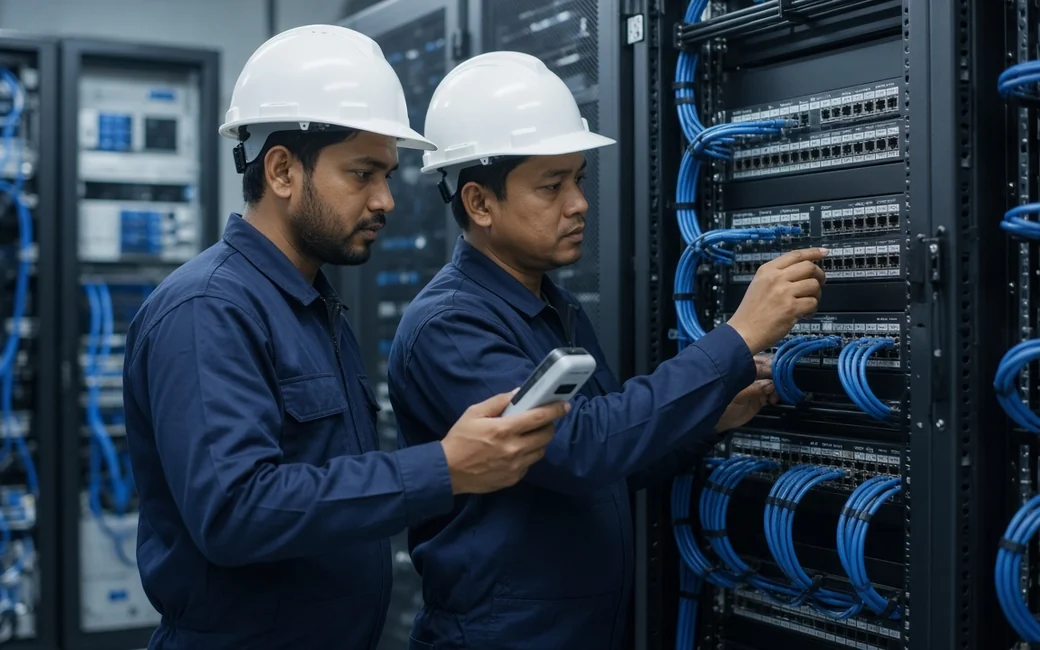
Cabling, racks, switches, firewalls, Wi-Fi and servers, installed and configured to a standard.
Test & hand over
Link certification, Wi-Fi validation and failover tests, then training for your team.
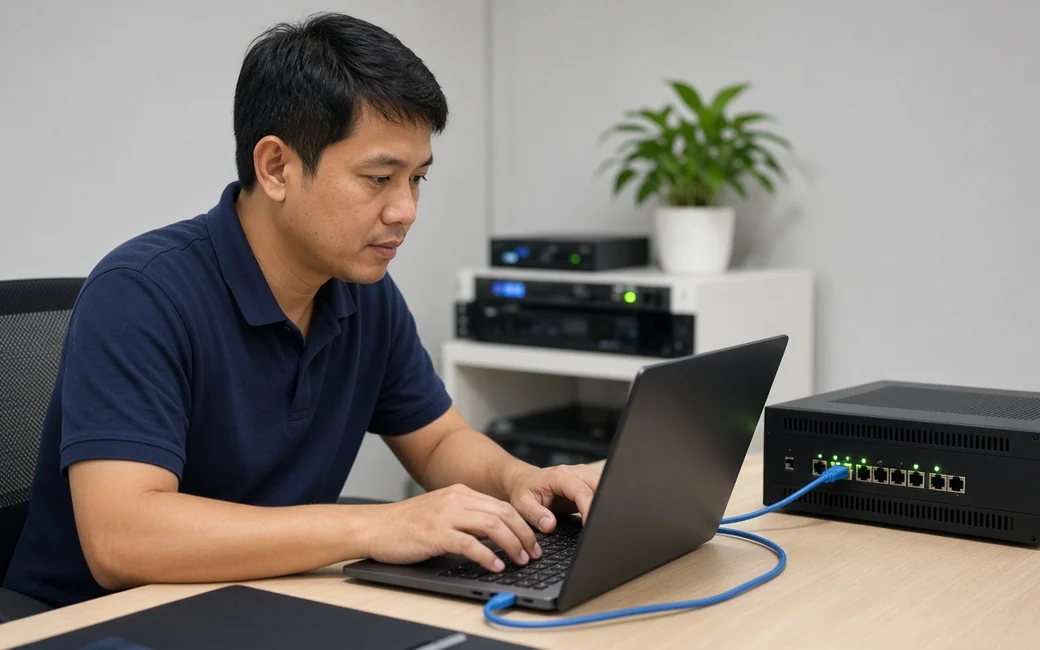
Monitor & support
24/7 health monitoring, firmware and licence tracking, and a defined response time under an optional SLA.

Technology we work with
Proven platforms, chosen per project.









FAQ
Questions clients ask us.
Have a different question? An engineer will reply on WhatsApp.

Often, yes. We start with a survey. Sometimes better AP placement, channel planning and firmware updates fix most issues. We only recommend new hardware where it's the bottleneck.
We plan cut-overs out of hours or in phases, prepare configs in advance, and keep a rollback plan so downtime is minimal and scheduled.
If an outage stops sales, operations or calls, then yes. A second ISP or a 5G backup with automatic failover is usually far cheaper than a day offline.
You do. At handover you receive the network diagram, IP/VLAN plan, device list and admin credentials in a password vault, and we keep it updated under support.
Yes. Site-to-site VPN or SD-WAN between locations, with central policies, failover and visibility of each link.
Yes. File and application servers, virtualisation, NAS storage, and backups following the 3-2-1 approach, including restore tests.
Alerts when a link, switch, AP, firewall or backup fails, plus capacity trends and firmware and licence tracking, so problems are caught before users notice.
Yes. We're vendor-neutral and work with most major networking platforms. We'll advise where standardising would make support easier.
Network assessment
Let's build a network you don't have to think about.
Tell us about your sites and pain points. We'll assess, design and give you a clear, itemised plan.
